You're Invited To Join
The Enchanted Ops Society™
A program for solo entrepreneurs and small teams that gets you a working CRM in AirTable, 10+ hours back every week, and an AI team you build yourself – without hiring anyone new.
You've outgrown Google Sheets and Your Own Memory.
Your pipeline lives in your head, your client data lives in many different places, and you're the only one who can find any of it.
Now you feel a pang of panic just thinking about where your clients are in your pipeline, what info you have on them and where it lives, and how AI can help you without taking away from what makes the business uniquely you.
You know AI and automations could help, but no one's shown you where to start or how it actually fits your business.
The Enchanted Ops Society gives you both the answers and the system to act on them.

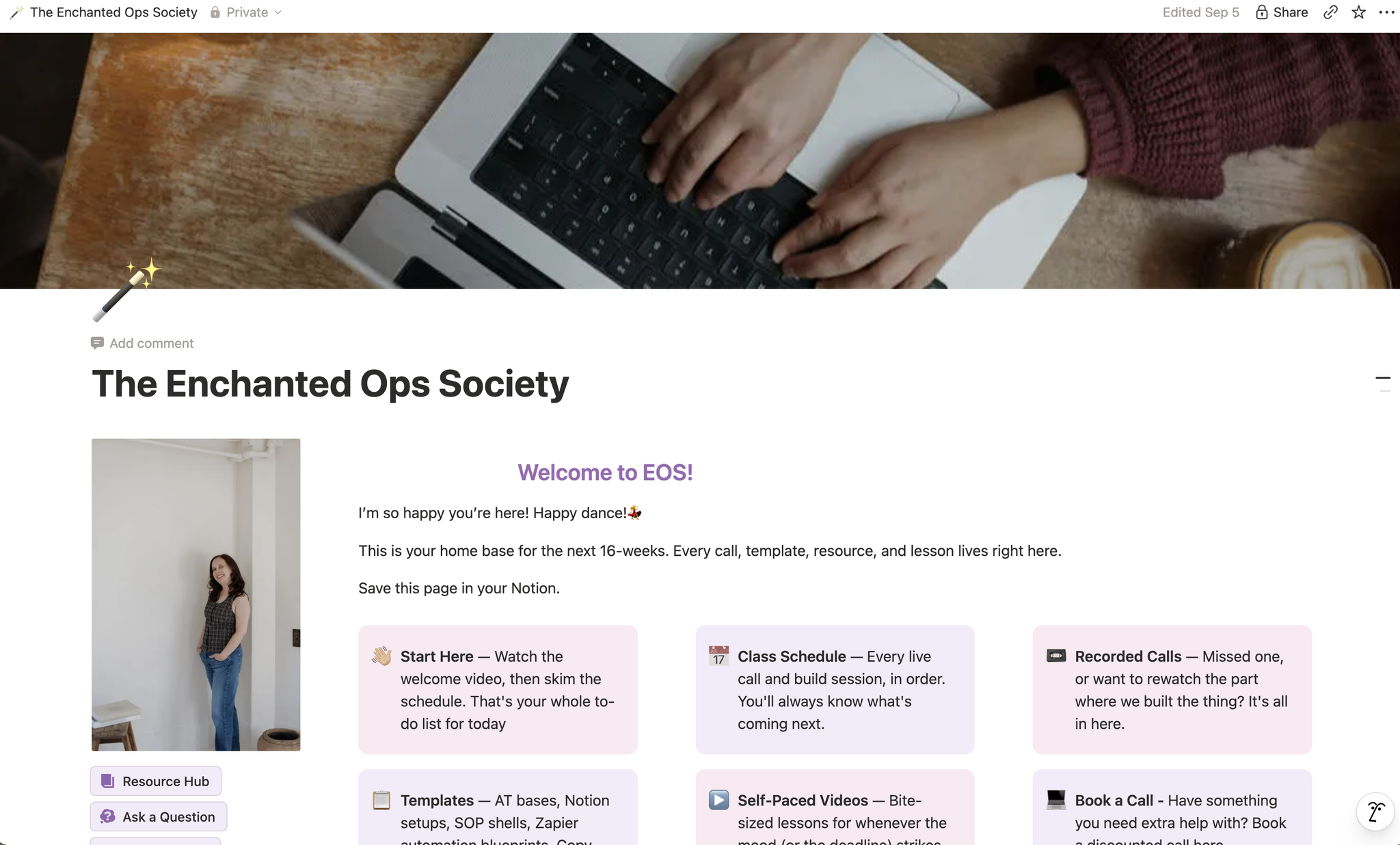
Proven Plug & Play templates | Step-by-Step Tutorials | Live Coaching & Reviews
In just 16 weeks, you will:

Have built a functioning CRM with your complete client pipeline mapped, automated, and visible in under two clicks in Airtable — plus interfaces that give your team clean data, so they can make decisions based on the most current information instead of asking you.
Reclaim at least 10 hours a week through Zapier and Airtable automated workflows handling client onboarding, follow-ups, and data entry — the work you'd otherwise be paying someone to do or would clog up your to do list.

Have your own AI team — Assistants & Agents you build with Claude Tasks, Skills, Cowork, and/or ChatGPT. These can plug into the apps you already work in, plus AI embedded inside your automations to handle the thinking steps.
You don't need to hold your business together alone.
You need processes to run without you and an AI team to have your back.
I'm Kathleen of The Virtual Spell
I built a thriving OBM and AI business to help small business owners manage their to-do list, apply real systems, and use AI in a way that makes sense for them.
I've since helped 6- and 7-figure business owners manage their operations, launch masterminds, build their first AI teams, and set up CRM systems that keep sales running on repeat.
Now I'm bringing that same work to a group program: The Enchanted Ops Society™.

What My 1:1 Clients Say, Now Built for a Small Group

A VIP client system that catches every time-sensitive booking automatically
Hannah's VIP photography clients were giving her session info, but she had no reliable way to track submissions or respond fast enough. And with time-sensitive bookings, a missed one was a real problem. She got a Notion template to track every VIP client in one place, wired to automations that send each client an instant confirmation email and notify Hannah the moment a new form comes in, so nothing slips.
In Hannah's Words: "Kathleen set up some INCREDIBLE automations for my photography business. She is so trustworthy — she got in there, did what needed to be done and made me cry tears of joy, taking so much off my plate! She delivered Notion templates and automations quickly and they were perfect. If you're feeling overwhelmed in your business and life, this woman will get clear on your need and establish systems and automations that don't take away your personal touch, but support you to keep you moving forward and your clients' feelings well taken care of!"
Hannah Van Zatten, Photographer
Three businesses, three GoHighLevel builds, all in one place
Alisha was managing three businesses with everything scattered. She got everything built out in Go High Level from the ground up for all three: client records, forms, and call bookings in one place, with automations handling the repetitive work behind the scenes, plus tutorial calls to walk Alisha and her team through exactly how each setup runs so she's never dependent on someone else to use it.
In Alisha's Words: "My favourite part of the GHL builds was how easy and clear everything was. I don't know what I don't know and working with Kathleen on everything to get our workflows and business mapped out was such a breeze and a weight off my shoulders.
Working with Kathleen was the rare kind of easy where you finish and wonder why you spent years carrying all of that in your head when someone THIS good was right there."
Alisha Kumar, Marketing & Ads Expert
A full AI team that works alongside her: across marketing, processes, and podcast production
Hayleigh had a scattered ChatGPT setup that wasn't really working for her podcast production business. She got this rebuilt properly: a full AI team in Cassidy AI she works with day-to-day — assistants for show notes, episode ideas, interview prep, client data analysis, and email and blog writing — and sharpened up her existing GPTs so they actually knew her content and brand. Each assistant came with the knowledge and guidance it needed, plus a walkthrough on how to use and update everything herself.
In Hayleigh's Words: "I'm shocked — this is amazing. Kathleen built out custom AI assistants and workflows for my whole podcast production business: show notes, episode ideas, interview prep, client data analysis, email and blog writing, even a tool that scrapes my Instagram and LinkedIn so the AI actually knows my content. She recreated my messy ChatGPT setup properly, added the knowledge and guidance each assistant needed, and walked me through exactly how to use and update everything. I'm going to use all of it — and I'm telling everyone to do this."
Hayleigh Hayhurst, Podcast Manager
How You'll Build Your Client System and AI Team in Just 16-Weeks
This isn't a pile of templates and platforms to work through in whatever order you land on. Each phase builds on the one before it. By the end you're not holding a set of disconnected pieces. You've built one thing that works from start to finish.
Start: Notion To Do List
Weeks 1-2: Map your client journey and get your to-do list digitized, using the Notion To-Do List Template or plugging into Asana, Trello, or Monday.com.

Then: Your Client Data System
Weeks 3-4: Build your CRM home in Airtable from the ready-made template, so every client record lives in one organized place instead of scattered across inboxes and spreadsheets.
Afterward: Data Dashboards
Weeks 5-6: Turn that data into visual dashboards and interfaces you and your team can actually use. Pipeline stage, revenue trends, and what needs attention, all at a glance.

Bring on: The Automations
Weeks 7-8: Automate onboarding and offboarding with 10+ Zapier templates mapped to your tech stack, plus a Loom walkthrough on troubleshooting and best practices so you can adjust them yourself.
Week 9: Add AI into your automations with ready-to-go Zapier templates that already have AI embedded. They handle the thinking steps like call recaps and prep, so those run without you.

Top it up with: Your AI Team
Weeks 10-12: Build your AI team with the AI Team & Task Templates. Custom GPTs or Claude skills & projects mapped to the roles your business actually needs, plus your first AI agent live in Notion.

Round It off with: Notion SOP Template and Final Reviews
Weeks 13-14: Document everything you've built with the Notion SOP & AI Agent Templates, so the whole system is transferable and nothing lives only in your memory.
Weeks 15-16: Review, troubleshoot, and confirm everything's running the way it should, then walk away knowing how to keep it that way.

You don't have a capacity problem. You have a manual process problem. Let's fix that.
Here's the Program Overview
Map how clients currently enter your world and how they leave it. The module walks you through where to tighten this up and where automations and AI can help, and you'll leave the week with your first deliverable: a new client flow you've mapped out yourself.
Choose between the Notion template that tracks your to-dos and project tasks, or a system like Asana, Trello, or Monday.com, all free even with a team. This builds directly on Week 1: your new client flow feeds your project management system, so you always know what needs to happen when a client joins, offboards, or starts a new project.
Get your client records into one organized place, whether you're entering data manually or migrating it. You'll also build your intake forms and link them to their data tables, along with the formulas that update records automatically and the lookup fields that connect everything.
Turn your data into something that will tell you what's happening, instead of a sea of rows and numbers. You'll build visual dashboards, interfaces that show you things like how many clients are in each pipeline stage or which year of your program performed best.
With your data in and your forms built, it's time to automate. You'll build Airtable automations for what stays inside Airtable, like notifying you and your client when a form's submitted, and Zaps for the apps that don't connect natively.
Now that your non-AI automations are running, you'll add AI into your Zaps to do gathering for you. One example: after a client call, an AI step reviews it and gives you insights or preps you for the next one.
Build custom GPTs or Claude projects based on templates mapped to the roles your business needs now, with my guidance on writing the instructions, structuring files, and building your knowledge base. You'll set up recurring tasks for these AI assistants in ChatGPT or Claude, and as a bonus, build your first AI agent in Notion using the task tracker you already have.
With the operational rebuild done, it's time to document it. Using the Notion SOP template, you'll record every new process: how it works and why it exists.
Review every Airtable automation and Zap for anything broken, troubleshooting with the Loom walkthrough or bringing it to a live call or Slack. Review your dashboards and data collection to confirm everything is doing what it's supposed to. You're set!!
Some Quick FAQs:
Q: When are the coaching calls?
A: Calls are twice a month on Wednesdays at 10am PST and are recorded in case you miss them.
Q: How much time per week should I plan for?
A: This will vary according to the weekly focus. I would say anywhere between 5 hours for at least the first week, and then going up to 15 hours a week for the more involved aspects like the AI team.
Q: Do you have a bonus?
A: If you joined the waitlist you get access to a Slack community where you can ask me questions during dedicated office hours. That way, you're not stuck waiting for an answer.
Q: Which tools do I need, and do I have to pay for them on top of the program? (Airtable, Zapier, Notion, Claude, ChatGPT)
A: Not all of these tools you'll need to pay for. You can get by using Notion and Airtable for free. But Zapier, Claude or ChatGPT (you won't need both) you will need to pay for the first paid tier. You don't require an Enterprise plan!

Waitlist is open…
for a limited time until September 23rd at 11:59pm Pacific
In 16 weeks, you'll turn your messy recurring work and client data into smooth automated workflows, visual client dashboards, and AI assistants you built yourself, all without having to hire a big team or balloon your tech stack.